Account & billing
Coupons and Refer & Earn
Redeem a code, or earn commission by introducing someone.
2 min read · Last reviewed 22 Oct 2026
Coupons
A coupon code grants free access — a number of extra days, or a period on a particular plan. Redeem one under Settings → Billing: enter the code and it applies to your subscription immediately.
Codes can be limited by how many times they are used in total, by a date, or to one use per company. If a code is refused, the message says which of those it hit.
Refer & Earn
Under Settings → Refer & Earn, Generate My Referral Link gives you a personal referral link. Anyone who signs up through it is tracked to you, and when they become a paying customer you earn a commission at the rate of whichever referral programme is running.
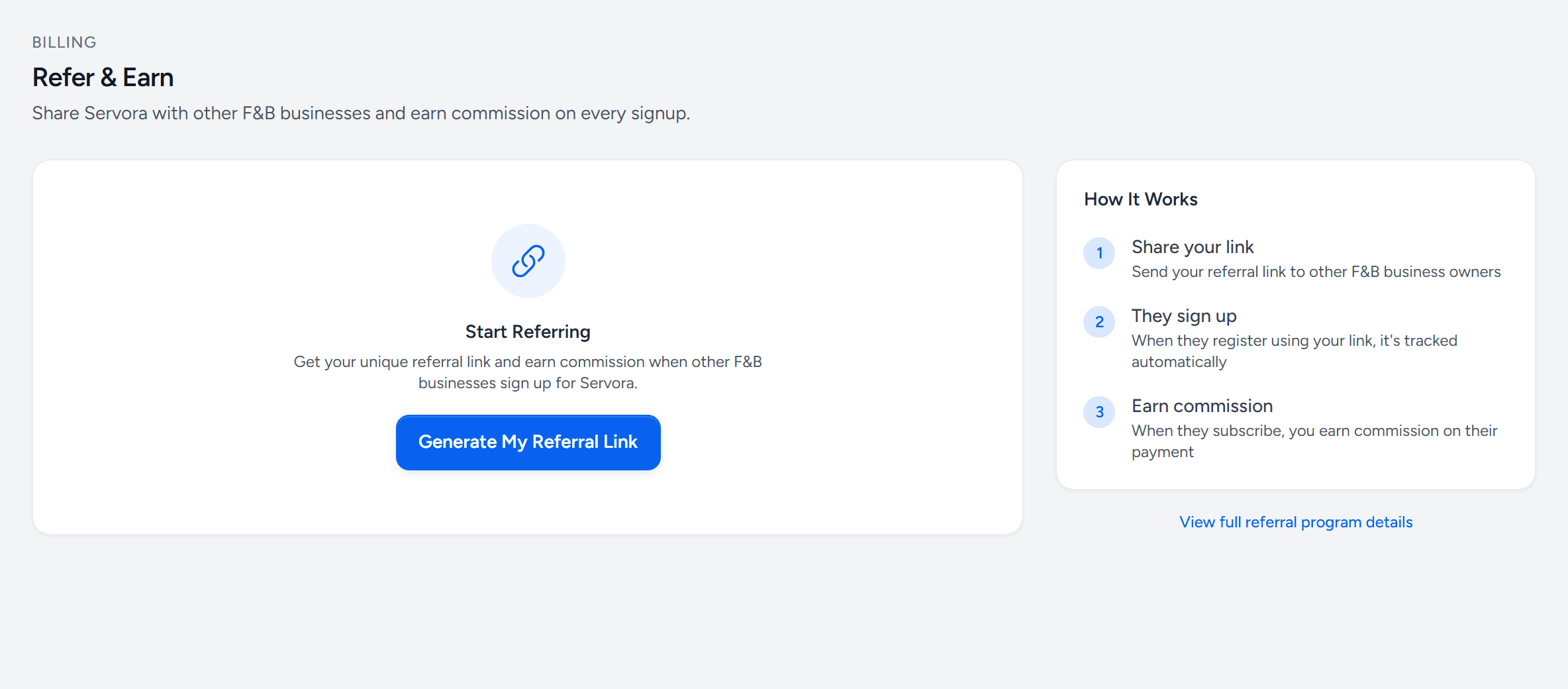
- Generate My Referral Link — your own link, once.
- Share your link — with other F&B owners.
- They sign up — through your link; it is tracked to you.
- Earn commission — when they subscribe.
- Programme details — the rates and terms of the programme running now.
How a referral is tracked
- Someone follows your link. The referral is recorded on their browser.
- They register a company. The referral attaches to it.
- They subscribe. A commission is raised against your account.
- Commissions are reviewed, approved and paid out.
Your dashboard shows each referral's stage — signed up, trialing, paying — and what has been earned, approved and paid.
The rules worth knowing
- A company that already exists cannot be retro-attributed to a referrer.
- Commission is on real payments; a trial that never converts earns nothing.
- You cannot refer yourself into your own company.
Still stuck?
Tell us what you were trying to do — a person on our team will reply. If this guide is missing a step or out of date, say so and it gets fixed in the manual, not just in an email.