Training
Live sessions
Put the same quiz on every phone in the room at once, with a leaderboard.
2 min read · Last reviewed 22 Oct 2026
A live session runs one quiz across the room simultaneously — everyone answers on their phone, the host screen shows the results as they come in, and a leaderboard sorts itself out.
Running one
- Learning → Live Sessions. Pick the quiz and the outlet, name it if you like, and Open the room.
- Servora shows a join code. Staff tap Live quiz in the Staff Portal and enter it.
- Start. Each question goes out with a timer; answers come back live.
- At the end, the leaderboard shows the scores and every attempt is recorded against the individual.
A Scheduled challenge is the same quiz left open for the week: staff play it on their own phones when they have a moment, and the board fills up.
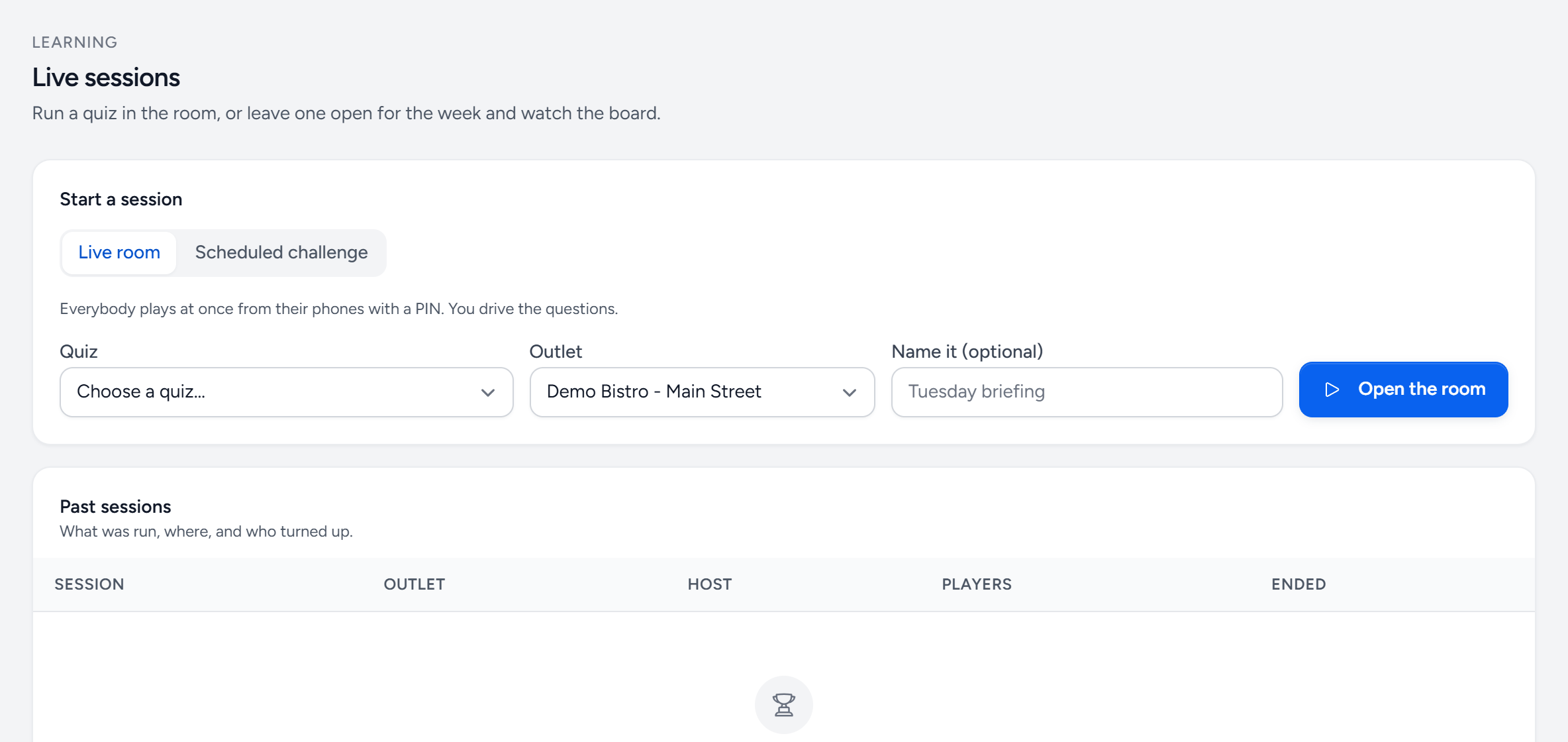
- Live room — everybody at once, from their phones. You drive the questions.
- Scheduled challenge — left open for the week instead.
- Quiz — any published quiz with questions in it.
- Outlet — whose staff are playing.
- Open the room — shows the join code on your screen.
- Past sessions — what was run, where, and who turned up.
What it is good for
Pre-service briefings. A new menu item, an allergen change, a hygiene reminder — six minutes at the start of a shift, with a record that it happened and who was there. It gets attention that an emailed PDF does not.
What it is not for
A formal assessment somebody's certification depends on. The timer and the room make it a group exercise. For that, assign the quiz individually.
Still stuck?
Tell us what you were trying to do — a person on our team will reply. If this guide is missing a step or out of date, say so and it gets fixed in the manual, not just in an email.